How to Secure and Scale a google my business profile for Local SEO
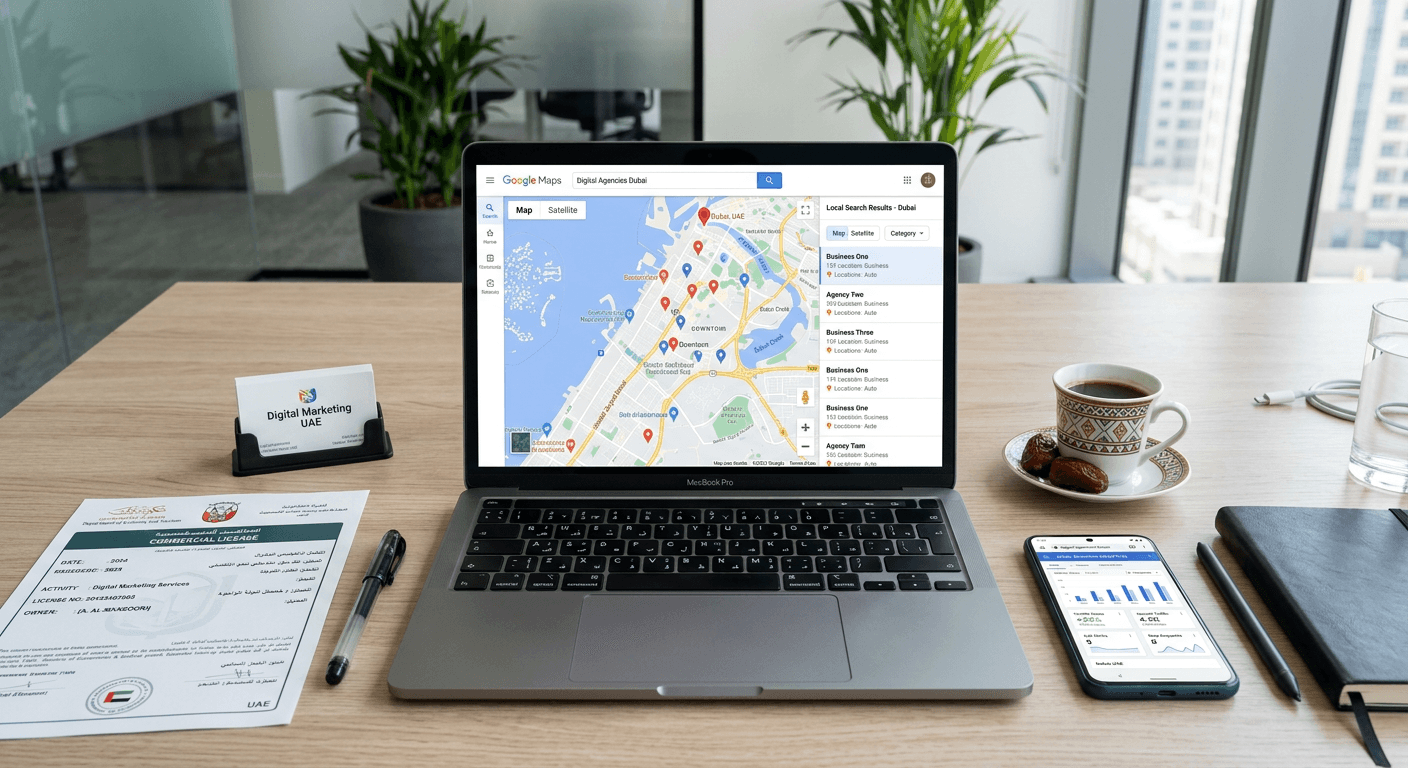
The most common local search failure in the UAE market is treating a map pin like a static directory listing. Many operators assume that simply entering their address and trading name guarantees visibility, ignoring how aggressively local competitors optimize their own digital footprints. Securing a google my business profile is not a one-time administrative task; it is the deployment of a highly sensitive lead generation asset that requires exact legal documentation and active maintenance. If you set it up with mismatched trade licenses, or abandon the dashboard immediately after verification, the system will eventually suppress your ranking or allow user-generated edits to overwrite your core business hours.
Quick Summary
A Google Business Profile acts as the central control mechanism for how a commercial entity appears across Search and Maps.
- Verification requires matching your digital profile exactly to your local trade license and tenancy contract.
- Video verification is now the baseline standard, requiring uncut footage of operations, permanent signage, and legal documentation.
- Leaving profile attributes blank invites crowdsourced edits that can alter your public operating hours without your consent.
- Weekly maintenance, attribute updates, and review management are mandatory to sustain local search rankings against active competitors.
Table of Contents
- 1. Gather Documentation for Your google my business profile
- 2. Claim or Create the Entity Sandbox
- 3. Execute the Continuous Video Verification
- 4. Optimize Core Attributes and Categories
- 5. Build an Active Maintenance Protocol
- Common Pitfalls & Troubleshooting
- FAQ
- Recommended Reads
1. Gather Documentation for Your google my business profile
Consistency Outweighs Consumer Branding
Before you even attempt to create a google my business account, you must assemble the precise documentation that proves your operational reality. The algorithm for local entities relies heavily on trust signals, and the foundational signal is absolute consistency between your digital claim and your physical legal reality. In the UAE context, this means your profile details must perfectly mirror your Department of Economy and Tourism (DET) trade license, your Ejari (tenancy contract), and your municipal utility bills.
Operators make a critical mistake at this stage. They prioritize their consumer-facing brand name over their legal entity name during the initial setup. If your mainland trade license reads "Al Madina Technology Solutions LLC" but you try to register the profile purely as "TechSol," the verification algorithm immediately flags a mismatch. You must prepare a centralized folder. It must contain high-resolution, unedited scans of your current trade license, a utility bill (like DEWA or ADDC) in the business's exact name, and clear photos of your permanent exterior signage.
Furthermore, the address on your tenancy contract must match the map pin exactly, down to the office, warehouse number, and specific building identifier (such as a Makani number in Dubai). Trying to bypass these physical requirements by using a virtual office, a P.O. Box, or a shared coworking desk without a dedicated phone line immediately triggers automated spam filters. This results in a shadow-banned profile that never surfaces for competitive local queries, forcing you into a lengthy appeals process before you even launch.
2. Claim or Create the Entity Sandbox
Duplicate Profiles Dilute Local Authority
Once your documentation is securely compiled, the next phase is establishing administrative control over the listing. Frequently, a shadow profile already exists on Maps, generated automatically from legacy third-party directories, municipal data, or user interactions. Your first action should always be searching for your business name and exact address on Maps to claim an existing listing, rather than rushing to create google business account credentials from scratch. Claiming an existing, albeit unverified, listing preserves any historical location data, user photos, or reviews already attached to those exact coordinates.
If no legacy profile exists, you will initiate the standard setup flow. The most crucial choice here is defining your operational model: physical storefront or Service-Area Business (SAB). If you receive retail customers or clients at your registered address during stated hours, you operate a storefront. If you dispatch technicians or consultants to client locations (such as a commercial AC maintenance contractor operating across the GCC), you must register as an SAB and hide your operational base address from the public map.
Operators routinely fail by blending these models - registering a purely residential or warehouse dispatch address as a storefront just to secure a visible map pin. Google aggressively sweeps for these geographical anomalies, suspending accounts that list non-commercial zoning as retail locations. Always execute this setup using a clean corporate email address connected to your verified domain (e.g., owner@yourdomain.ae) to establish authority from the first click, avoiding generic free webmail accounts that carry no domain trust.
3. Execute the Continuous Video Verification
Uncut Footage Proves Operational Reality
The era of waiting weeks for a postcard with a PIN code is largely over. The platform now relies predominantly on live video verification to combat fake listings, especially in highly competitive, fast-growing regional markets. This strict process requires you to record a continuous, unedited video demonstrating that the business is real, commercially operational, and located exactly where the map pin claims it is.
The mechanics of this require careful choreography and preparation. You must begin recording outside the premises, clearly capturing the street sign, the building exterior, and specific local identifiers. You then walk seamlessly to your permanent, branded exterior signage, physically unlock the front door with a key to prove managerial access, and walk inside. Finally, the footage must show internal proof of management - booting up the point-of-sale terminal, accessing a staff-only inventory room, or clearly focusing on the printed trade license framed on the wall.
The single most common mistake causing verification failure is pausing the recording, applying filters, or attempting to verify an office that is still under active construction. Any break in the footage, or any sign that the permanent signage is actually a temporary vinyl banner, results in instant rejection. You must rehearse the walking path beforehand. If the business is not fully open to the public, delay the process until permanent fixtures are installed and equipment is powered on. An early, failed video verification puts the entire account under strict manual review, delaying your organic visibility by weeks.
4. Optimize Core Attributes and Categories
Primary Categories Act as Hard Filters
Navigating the google business profile manager effectively requires understanding how the algorithm parses your text inputs. Your primary business category is not merely a soft description; it acts as a hard filter that dictates exactly which search queries have permission to trigger your map pin. If you operate an authentic Italian restaurant, selecting a generic "Restaurant" as your primary category is too broad and forces your listing to compete with fast-food chains and coffee shops. Selecting "Italian Restaurant" narrows the competitive field and exactly matches high-intent local queries.
Secondary categories should support the primary one without diluting its authority. After locking in your categories, you must meticulously fill out operating hours, holiday closures, and specific service menus.
Practical rule: Append a UTM tracking parameter (like
?utm_source=local&utm_medium=organic) to your website URL within the dashboard so you can accurately separate map-driven traffic from standard organic search traffic in your analytics software.
Leaving attribute fields blank - such as wheelchair accessibility, outdoor seating, or specific consultation services - is a critical vulnerability. The legacy term google my business still applies to the platform's crowdsourced nature: if you do not strictly define your own attributes, any Maps user or local guide can suggest an edit. Competitors or confused customers can suggest that your location is closed on Fridays, and if you leave those fields ambiguous, the automated algorithm will eventually accept the user's suggestion over your silence, costing you foot traffic.
5. Build an Active Maintenance Protocol
Recency Drives Ranking Stability
A verified profile actively degrades in search value if left dormant. Search algorithms prioritize commercial entities that demonstrate ongoing, verifiable operational activity. Make it a weekly operational task to sign in to google my business interfaces to systematically monitor and update the asset. This requires responding to all customer reviews within a 24-hour window, addressing both five-star praises and one-star complaints with equal professionalism. The response is not merely customer service for the reviewer; it is a structural signal to the search engine that the business ownership is actively managing the physical location.
For agencies handling multiple regional clients, managing automated SEO visibility requires a centralized, scalable approach rather than relying on ad-hoc, manual dashboard checks. Post weekly updates featuring new, unedited photos of the interior, exterior, or core products. Images taken directly on mobile devices naturally retain EXIF data - metadata containing exact GPS coordinates - which further reinforces your physical location signals to the algorithm. The fundamental mistake here is treating the profile gallery like a stylized social media feed by uploading heavily filtered graphics or generic stock photos. The platform actively prefers raw, authentic, high-resolution imagery that helps a potential customer safely navigate the streets to your physical location and recognize it immediately upon arrival.
Common Pitfalls & Troubleshooting
Even with a perfect initial setup, local profiles are subject to algorithmic shifts and user-generated disruptions. Below are the most frequent failures that look identical from the outside but require entirely different diagnostic approaches.
1. The Algorithmic Suspension Loop Symptom: Your profile abruptly disappears from public Maps, and the dashboard displays a generic "Suspended" red banner with no specific reason given. Fix: You must first diagnose whether it is a "soft" or "hard" suspension. A soft suspension usually means your verification lapsed (often triggered by changing a core detail like your primary category or business name). A hard suspension indicates a severe policy violation, such as keyword stuffing your business title (e.g., changing "TechSol LLC" to "TechSol Best IT Support Dubai"). Fix the title to exactly match your legal trade license, remove any promotional text from the name field, and submit a single, comprehensive reinstatement request with your utility bills attached. Never submit multiple requests, as this pushes you to the back of the queue.
2. Shadow-Banned Customer Reviews Symptom: Customers explicitly tell you they left a glowing five-star review, and can even show you the review on their phone, but it never appears publicly on your listing. Fix: Google's aggressive spam filter has caught the review. The most common cause is the customer submitting the review while connected to your location's public Wi-Fi. The algorithm sees multiple reviews coming from the exact same IP address and flags them as internally generated spam. Stop asking customers to review you while inside the store. Instead, send them a follow-up SMS or email link a few hours later when they are on their own cellular data.
3. Hijacked Operating Hours Symptom: Your business hours suddenly change without your authorization, showing you closed on weekends when you are actually open. Fix: A high-level "Local Guide" (a Maps user with built-up algorithmic trust) submitted a suggested edit, and because you haven't logged into the dashboard recently, the system auto-accepted it. Log into the dashboard, reject the incorrect edit, re-verify your correct hours, and turn on email notifications for "Alerts" so you are pinged the moment an external edit is suggested.
4. Split Duplicate Profiles Symptom: Your review count suddenly drops, or you notice some customers are checking into a slightly different map pin located fifty meters down the road. Fix: A duplicate profile was generated, likely because a third-party directory syndicated an old variation of your address. Do not attempt to aggressively delete the duplicate, as this deletes its reviews. Instead, contact Google Support through the dashboard, provide the exact URLs of both map pins, and request a "profile merge" into your verified master account to consolidate the review equity.
FAQ
How long does the video verification process take to clear? Once you upload the continuous, unedited video through the dashboard, the manual review process typically takes between 3 to 5 business days. If the video is rejected, the system will not always notify you immediately; you must log back in to check the status. If it exceeds 10 days, you will need to open a support ticket.
Can I register a profile using a shared coworking space address? Only if you meet strict criteria. You must have a dedicated, signed private office within that coworking space, a permanent sign with your company name outside your specific door, and your own staff present during stated business hours. Using a general "hot desk" membership or a virtual mail-forwarding address violates the guidelines and will result in a permanent suspension.
What is the process for reclaiming a profile if I lose administrative access? If a former employee or external agency claimed the profile and left without transferring ownership, you must initiate an "Ownership Request" through the standard Maps interface. Google will email the current hidden owner. If they do not respond within 3 days, the system allows you to force a re-verification process (usually via video) using your current physical presence at the location to strip their access and grant it to you.
Do I need to delete my profile if the business relocates within the same city? No. Deleting the profile destroys all your accumulated reviews and local SEO equity. Instead, update the address field within your existing dashboard to the new location. This will trigger a standard re-verification requirement for the new premises, but once cleared, your reviews, photos, and historical trust signals will seamlessly migrate to the new map pin.