Mastering the Website Crawler Pipeline for Immediate Indexation
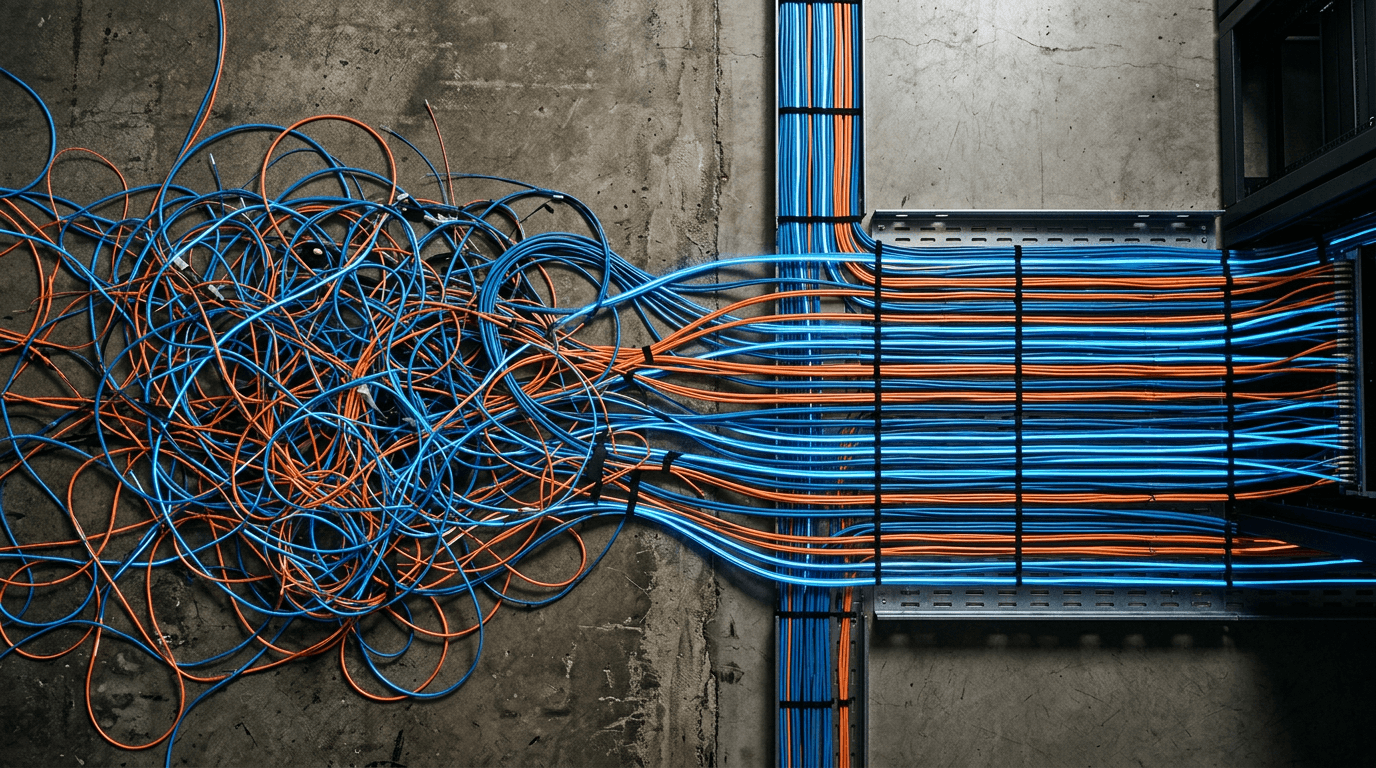
A persistent misconception regarding search visibility is that pressing publish instantly pushes a new page into the public index. In reality, search is an asynchronous pull mechanism governed by strict computational limits. When a search engine's automated systems arrive at a server, they do not read the site as a human does; they evaluate it through a highly constrained logistical operation. A website crawler must fetch the raw HTML, render any client-side JavaScript, and calculate the relational weight of internal links before a page ever reaches the indexing phase.
For an SEO marketing business managing enterprise domains, ignoring this ingestion process means watching high-value pages languish in a discovery queue for months. Search engines treat crawling as a resource expense. If a server is slow, if the architecture relies on infinite loops, or if technical signals conflict, the bot will abandon the session. Securing visibility requires actively managing what automated systems are allowed to access, how fast they can retrieve it, and which pathways they are forced to ignore.
Quick Summary
Search engine crawling is the automated discovery phase where computational bots fetch, render, and evaluate digital infrastructure prior to indexing. Optimizing this pipeline ensures search engines allocate sufficient operational budget to process critical pages without abandoning the session due to server latency or structural friction.
- Crawlers operate on a strict time and resource budget per domain.
- Server response times directly limit the volume of pages a bot will process.
- Orphaned URLs and client-side rendering heavily stall automated discovery.
- Strategic robots.txt directives prevent bots from wasting cycles on parameter-driven pages.
Table of Contents
- 1. Map the Architecture
- 2. Restrict Non-Essential Paths
- 3. Localize Edge Delivery
- 4. Automate the XML Pipeline
- What breaks first when search bots arrive
- FAQ
1. Map the Architecture
Deep link structures break the automated discovery chain
Automated search bots do not use navigation menus or search bars; they travel exclusively through the graph of available <a href> tags. The physical structure of an SEO site dictates entirely how PageRank flows and how frequently deep pages are revisited. A flat architecture - where every critical commercial page sits no more than three clicks from the root domain - concentrates this link equity and provides a clear mathematical hierarchy for the bot to follow.
When administrators nest content beneath multiple categorical subfolders or rely on dynamic JavaScript events to load links, they force the bot into an inefficient discovery pattern. The crawler must execute scripts, wait for network payloads, and parse the Document Object Model (DOM) just to find the next URL. This delays indexation by days or weeks, depending on the site's overall authority.
The specific failure mode here is the creation of orphaned pages. Often, promotional pages or legacy blog posts lose their internal links during a site redesign. Because the pages still return a 200 OK status code, site owners assume they remain active in search. However, without an internal link path, the bot has no mechanism to rediscover the page. It drops out of the active cache and is eventually purged from the index entirely. To fix this, practitioners must map their architecture using a localized log file analyzer to identify exactly which URLs receive zero bot hits over a 30-day period.
2. Restrict Non-Essential Paths
Unfiltered parameter crawling exhausts server budgets
Google and Bing calculate a specific "crawl budget" for every domain, determined by the intersection of crawl demand (how frequently content updates) and crawl capacity (how much load the server can handle without degrading the user experience). If a site has 10,000 URLs but a budget of only 500 pages per day, it takes nearly a month for the bot to complete a full site pass.
Integrating organic crawling limits into broader SEO and SEM marketing operations requires strict governance over what the bot is allowed to access. E-commerce sites routinely fail this by allowing crawlers into faceted navigation - filters for size, color, or price that generate millions of unique, parameter-appended URLs (e.g., ?color=red&size=large). When bots enter these infinite spaces, they spend their entire daily budget parsing identical product grids, leaving the actual product description pages undiscovered.
Practical rule: Use a
noindextag to remove a page from search results, but use aDisallowrule in the robots.txt file to save crawl budget.
The most common mistake technical teams make is attempting to solve crawl budget issues with a noindex, nofollow meta tag. A meta tag sits in the HTML ><head> section. To read that tag, the bot must request the URL, download the HTML, and parse the code. By the time it registers the noindex directive, the crawl budget for that page has already been spent. Only a strict Disallow in the robots.txt file prevents the initial server request, actively conserving the budget for priority URLs.
3. Localize Edge Delivery
High latency forces search bots to abandon the queue
The absolute hard ceiling on crawl capacity is server response time. Search engines actively monitor Time to First Byte (TTFB) and overall connection latency during a crawl session. If a server takes 800 milliseconds to respond to a request, the bot's algorithm assumes the server is under heavy load. To prevent crashing the site, the bot proactively throttles its crawl rate, dramatically reducing the number of pages it processes that day.
For businesses targeting regional dominance, geographical latency is a critical failure point. If a company operates in Dubai but hosts its primary server in a Virginia data center, every request must cross the Atlantic. That baseline physical distance adds unavoidable latency, forcing search bots to pull fewer pages per session. For UAE enterprises competing locally, relying on edge computing hubs to minimize data travel distance - a core architectural advantage of RapidWombat - AI-Driven SEO for UAE Businesses - ensures bots process the maximum volume of pages per visit by maintaining sub-50ms response times.
The mistake practitioners make is measuring site speed exclusively through browser-based tools like Lighthouse, which evaluate how a page visually paints for a user. Bots do not care about the visual paint; they care about raw HTML delivery speed and DNS resolution times. A site can score highly on user-centric metrics while still suffocating the crawler with slow initial server response times and heavy backend database queries.
4. Automate the XML Pipeline

Stale timestamps teach search engines to ignore signals
XML sitemaps provide a formalized map of the domain, bypassing the need for natural link discovery. While smaller sites can rely purely on internal linking, any domain scaling beyond a few hundred pages requires an automated sitemap pipeline to ensure new inventory or updated content is flagged immediately.
Many practitioners treat technical ingestion as a one-off task, focusing instead on broader SEO company marketing tactics, but a static sitemap is worse than no sitemap at all. The entire value of the XML file relies on the <lastmod> (last modified) attribute. Search engines use this timestamp to determine if a previously crawled page needs to be fetched again.
The prevalent failure mode is dynamic systems updating the <lastmod> tag across the entire sitemap every time the file is generated, regardless of whether the actual page content changed. When Googlebot fetches the URL and compares the new HTML to its cached version, it realizes the content is identical despite the updated timestamp. After a few instances of this false positive, the bot's algorithms will flag the sitemap as untrustworthy and begin ignoring the <lastmod> directives entirely. To maintain signal integrity, the XML generation pipeline must be tied directly to database write-events, updating timestamps only when the core text, images, or structural HTML of a specific page is materially altered.
What breaks first when search bots arrive
Even with a perfect pipeline, at-scale rendering rarely survives contact with production environments. When a site begins losing indexed pages or failing to rank new ones, the issue usually stems from one of three distinct mechanical failures. They look identical to end users but require completely different diagnostic approaches.
The infinite crawl space
Symptom: In Google Search Console, the "Crawled - currently not indexed" report spikes by tens of thousands of URLs, usually containing complex query strings.
Fix: This occurs when server-side search functions or calendar modules generate a unique URL for every possible combination of inputs. Because there is no end to the combinations, the bot gets trapped in a loop. The repair is identifying the base parameter (e.g., ?sort=, ?date=) and blocking it entirely via the robots.txt file, cutting off the infinite branch before the bot requests the HTML.
Soft 404s wasting active cycles
Symptom: Search engines flag pages as "Soft 404," and active product pages take weeks to index.
Fix: A soft 404 happens when a page is functionally empty - like an out-of-stock product or a category with zero items - but the server still returns a 200 OK HTTP status code. The bot wastes time rendering an empty template. The correct protocol is to intercept these at the server level. If a product is permanently removed, the server must return a 410 Gone status. If it is temporarily unavailable, it should either return a 404 Not Found or redirect to the nearest parent category. Never serve empty templates with a successful status code.
Canonical loops destroying signal clarity
Symptom: High-value pages drop from the index, replaced by trailing-slash variants or parameter URLs, flagged under "Duplicate without user-selected canonical."
Fix: A canonical tag (<link rel="canonical" href="...">) tells the bot which version of a page is the master copy. The failure occurs when internal links point to URL 'A', but URL 'A' has a canonical tag pointing to URL 'B', and URL 'B' redirects back to 'A'. This creates a logic loop. The bot responds to conflicting instructions by dropping all versions from the index. The fix requires auditing the database to ensure all canonical tags use absolute URLs (including https://) and match the exact, final destination URL of the page they reside on, down to the trailing slash.
FAQ
How often do search engines recrawl a website?
Recrawl frequency is entirely algorithmic, based on the historical update rate of the site and its perceived authority. A global news publisher may be crawled every few minutes, while a static local business site might only see a bot once every three weeks. You can influence this by consistently publishing fresh content and ensuring your <lastmod> XML tags accurately reflect those updates.
Does JavaScript prevent a page from being crawled? It does not prevent crawling, but it heavily delays it. Search engines use a two-wave ingestion process. The first wave downloads the static HTML. If the page relies on client-side JavaScript to load core content or links, it is placed in a secondary rendering queue. Depending on server resources, it can take days or weeks for the bot to execute the JavaScript and actually see the content.
What is the difference between crawling and indexing? Crawling is the act of a bot fetching the code from your server. Indexing is the subsequent decision to store that page in the search engine's database to be served for user queries. A page must be crawled to be indexed, but millions of pages are crawled daily and intentionally discarded without ever being indexed due to poor quality or duplication.
How do I force search engines to crawl a new page immediately? The most direct method is submitting the specific URL through the URL Inspection Tool in Google Search Console or the equivalent in Bing Webmaster Tools. For automated, at-scale operations, implementing the Indexing API allows a server to ping the search engine the exact millisecond a page is published or modified, bypassing the standard discovery queue.